Durable operations
Copy, move, rename, and delete with a persistent queue, pause, resume, retry, conflict handling, and aggregate progress.
BobCommander brings dual-pane navigation, durable operations, search, synchronization, archives, remote protocols, disk usage analysis, an AI-assisted editor, and plugins together in one modern application built for keyboard and mouse.
Every part of the project is designed for real files, long-running operations, and heterogeneous environments without sacrificing safety or predictability.
Copy, move, rename, and delete with a persistent queue, pause, resume, retry, conflict handling, and aggregate progress.
Incremental search, advanced filters, duplicate detection, directory comparison, and previewed synchronization.
Browse, create, extract, and test ZIP, TAR, GZip, BZip2, 7z, and RAR with configurable safety limits.
FTP, FTPS, SFTP, and WebDAV connections, plus AzCopy uploads to Azure Blob, Data Lake, and Azure Files.
Configurable shortcuts, command bar, external tools, and a CLI with secure forwarding to the running instance.
An isolated SDK and x86/x64 bridge for Total Commander WCX, WFX, WLX, and WDX plugins outside the main process.
An animated scan with an auto-expanding hierarchy, live size sorting, and a space map that reshapes as folders are measured. Pause and resume long scans without losing progress.
Syntax highlighting, an AI-assisted editor, live Markdown preview, and a Lister for text, hexadecimal, images, CMTrace logs, and files larger than 4 GB.
Repositories are detected as you browse, highlighted with a distinct pane frame, and exposed through dedicated Git actions in the toolbar.
Captured from the packaged release published on this portal, so what you see is exactly what you download.
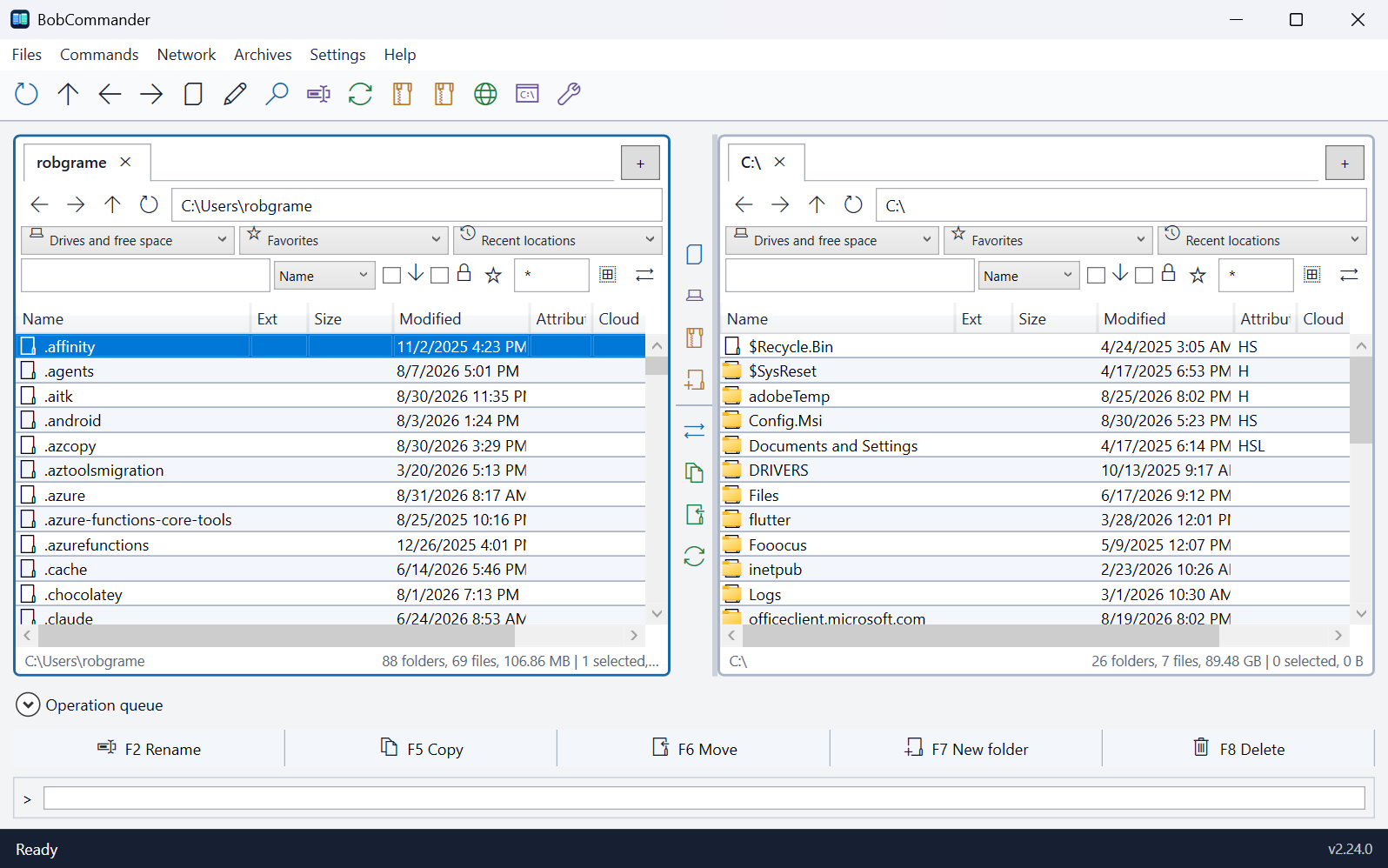
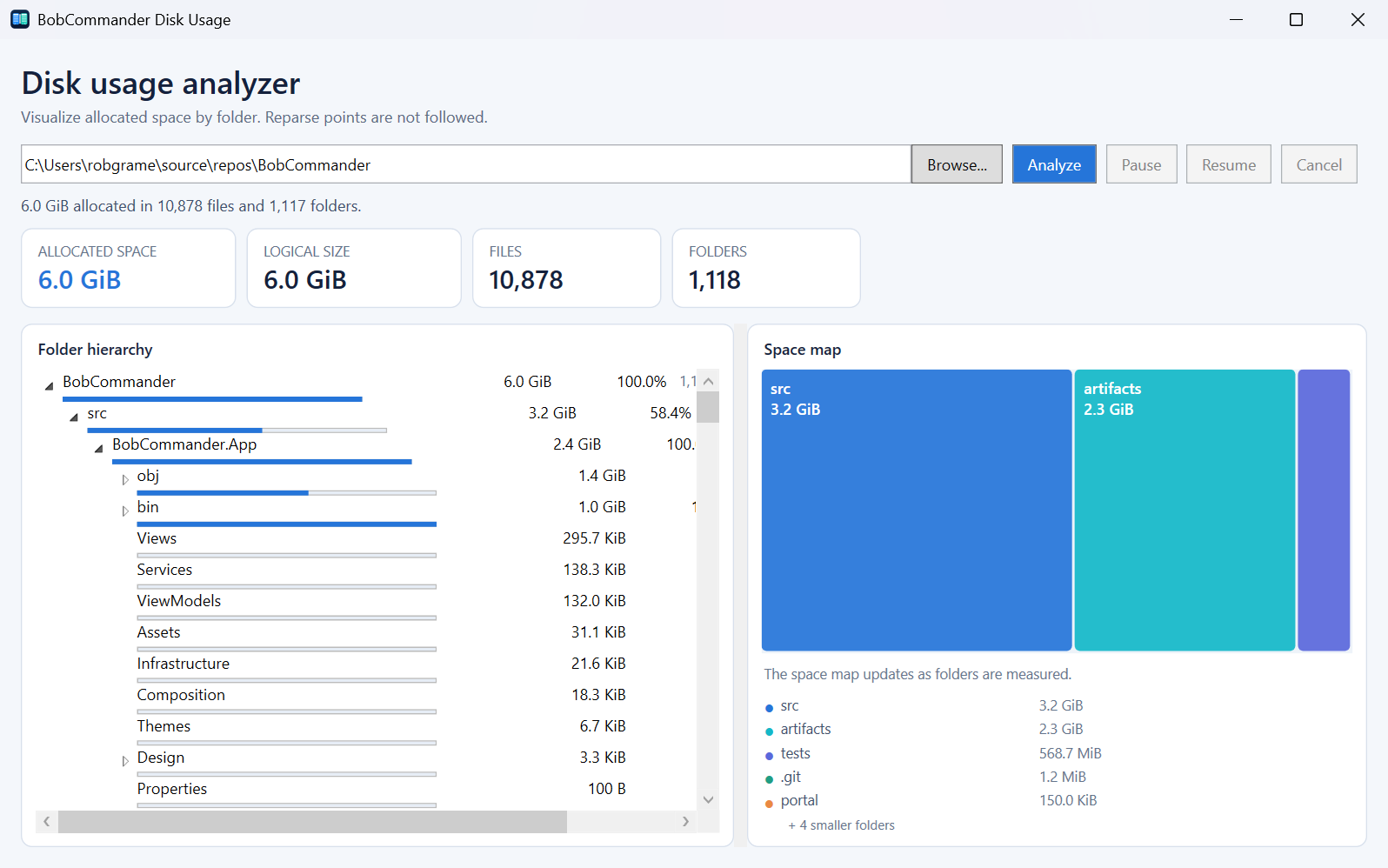
The interface keeps the dual-pane paradigm and extends it with modern tools, persistent configuration, and explicit controls for destructive actions.
The CLI communicates with the desktop application through an authenticated channel, using the same durable queue for navigation and file operations.
# Open a folder in the left pane
PS> bobcommander open "C:\Work" --side left

# Queue a copy to the backup drive
PS> bobcommander copy "C:\Work\report.docx" --to "D:\Backup"

# Start a search in the desktop application
PS> bobcommander search "C:\Work"

# Invoke a registered command
PS> bobcommander invoke navigation.refresh
The release manifest is signed with RSA-PSS, and every artifact is verified by size and SHA-256 before installation.
Loading signed release metadata…